
Bring order to chaotic maintenance operations by creating a single view of all maintenance operations within your portfolio. Easily, view, modify, split, dispatch, and track work orders in Inosio.
Review maintenance requests and get them off your desk and out to vendors and maintenance staff easily.
Don't lose track of work orders, invoices, or forget to follow up on that voicemail.

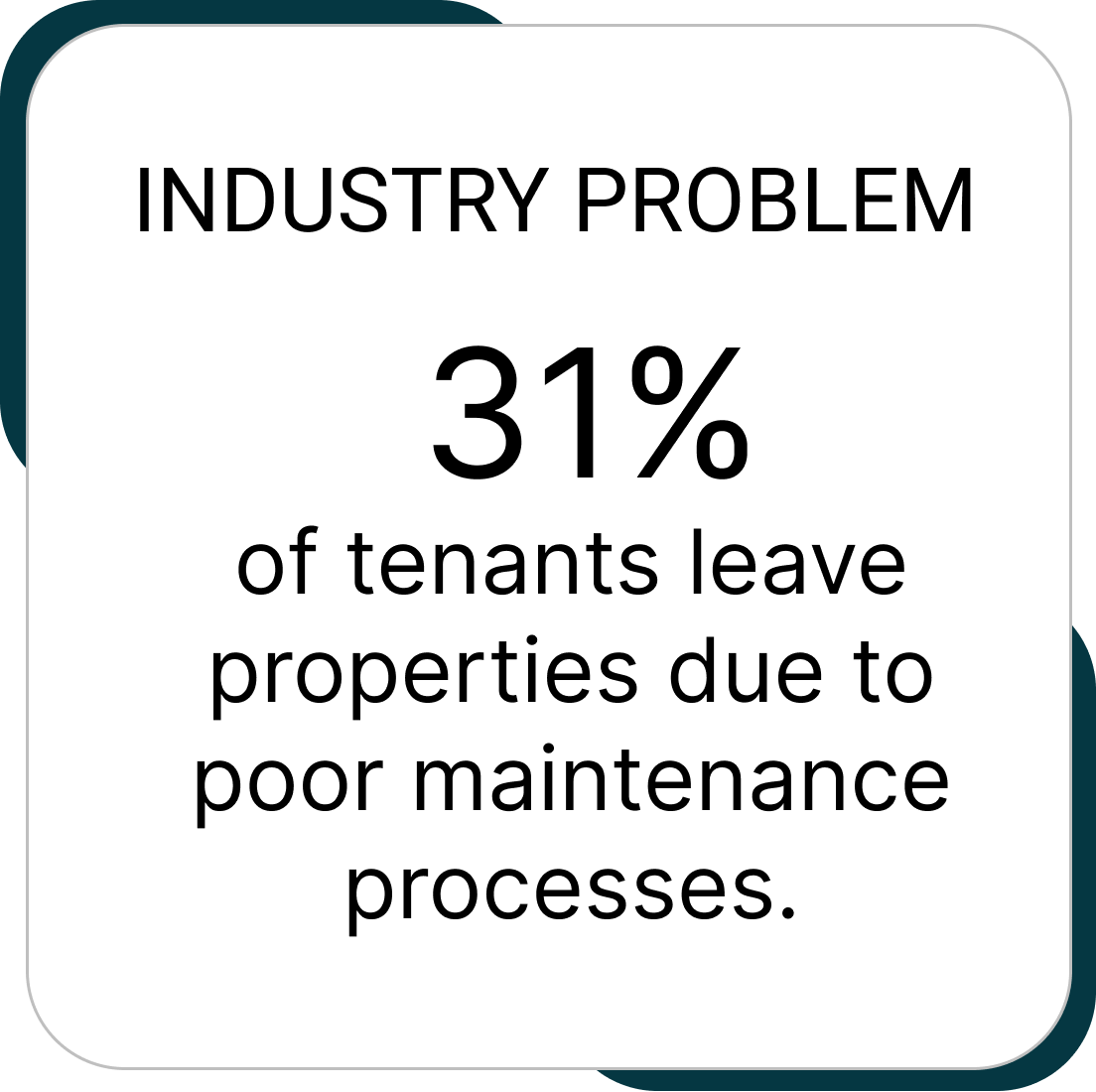
Get rid of the sticky notes, emails, and phone calls. Consolidate your maintenance into a single entry point which saves time and produces an easily managed to do list. Simply review maintenance requests, assign to vendors, and dispatch for completion.

Collect the information you need from tenants the first time. Give your technicians the knowledge they need to get the task done right on the first trip out to the property.
Track appliance make, model, and serial numbers, installation date and the vednor that did the work. Easily review who installed the appliance and if its under warranty. Keep track of vendor certifications, licenses, and insurance.
Find answers to commonly asked questions about this feature to gain additional insights and information.
Yes, you can create custom types, sub types, and collect custom data based on sub types from tenants when they submit the work orders. Each unit can have important work order notes which automatically populate into the work orders that are sent to technicians.
Simply view the work order details, assign the work order to a vendor or staff, update the status and click to have it delivered to the technician. Its send from an email of your choice, so responses come directly to you.
Yes, tenants are automatically kept up to date as you review and dispatch work orders, however they are not privy to the nitty gritty details. The receive notifications confirming that their maintenance request was received, put inprogress, and has been completed.
Vendors do NOT have to log in to receive and view work order details. They can also mark them 'Accepted' and 'Completed' without logging in. Vendors that would like to log in to Inosio can have an account. In their account, they can also see work orders you assign them, your prioritization of their work, and their work order history.
For detailed pricing information, please visit our pricing page or contact our sales team. We offer flexible plans tailored to the size and requirements of your property management business.
Manage your properties with ease using Inosio's intuitive and efficient software. Streamline your processes, automate tasks, and stay organized.